Everything, on your device
Made for reading, not for scrolling
The whole Granth, the daily banis and the study tools — quiet, exact, and entirely on your device. No feeds, no accounts, nothing asking for your attention.
At a glance
- Read the whole Granth
- All 1,430 Angs in Sant Lipi. Turn pages, jump to any Ang, resume where you left off.
- Search how you remember
- By word, by sound in Roman letters, by first letters, or by theme — and verify a line you were sent.
- The Hukam of the day
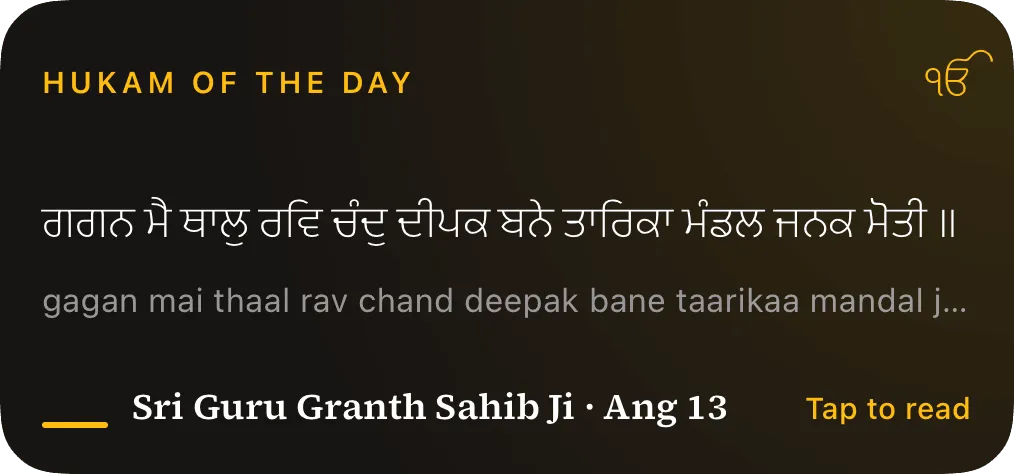
- One complete Hukam for the whole day, in the app and from Siri, with its opening verse on a widget — or draw a fresh one.
- Nitnem, with your place kept
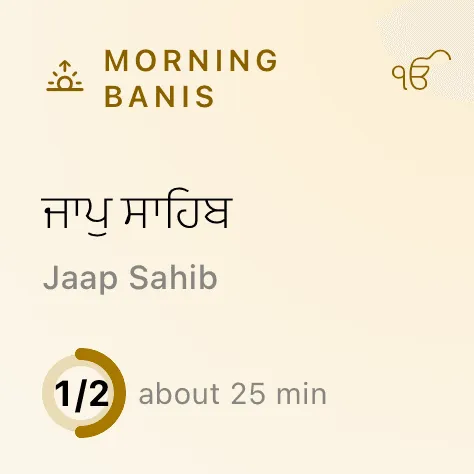
- The daily banis by time of day, your place kept in each, and a quiet record of the days you read.
- The Raag Clock
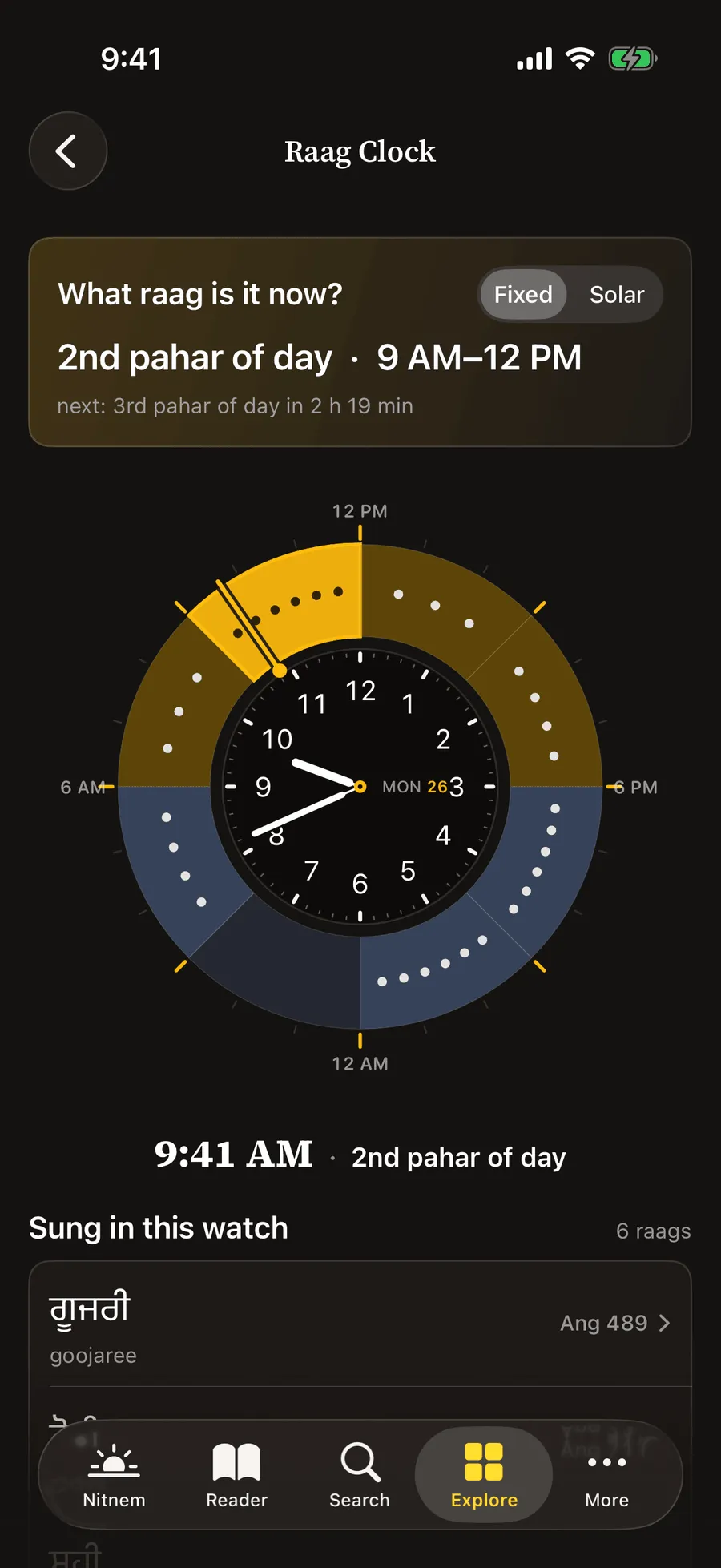
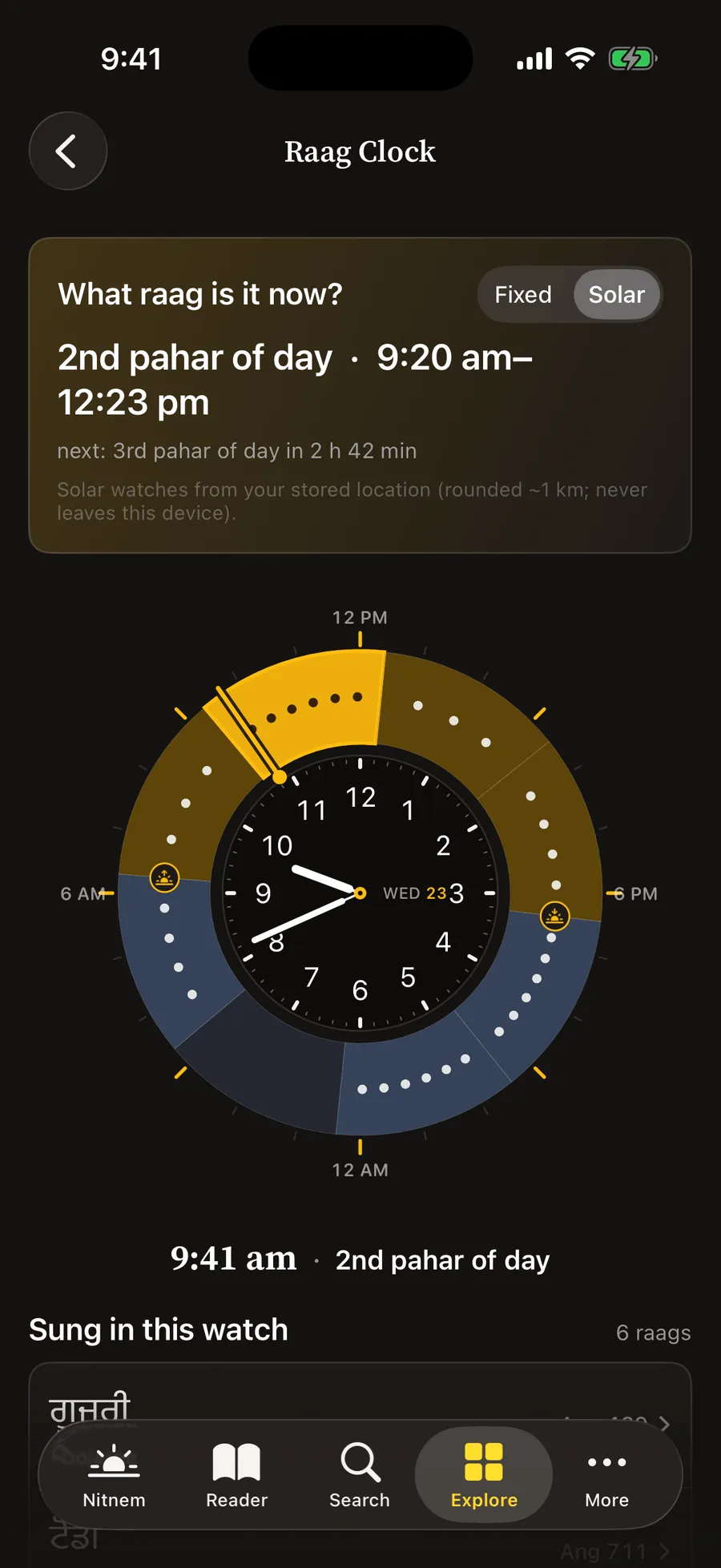
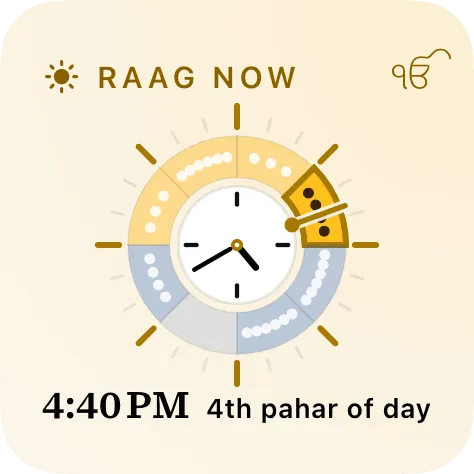
- Which raags belong to this watch of the day — by fixed hours or by your local sunrise and sunset.
- The Vaars, as printed
- All 22 Vaars, pauri by pauri and salok by salok, with a reader that keeps your place.
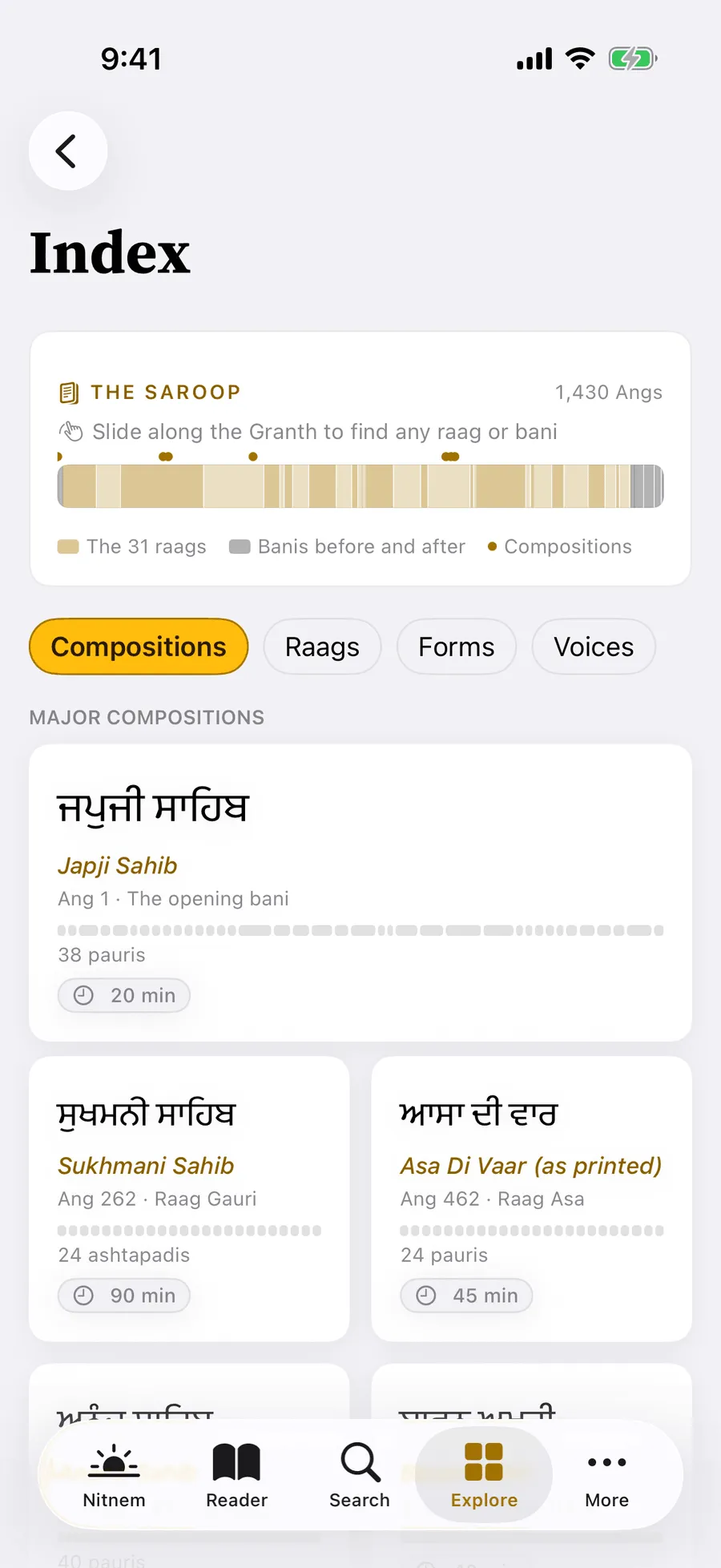
- An Index in saroop order
- The Granth from Ang 1 to Ang 1,430, and a page for each of the 31 raags.
- 54 themes
- A page for every theme, a theme of the day, and the themes your own saved verses carry.
- The voices of the Granth
- All 36 voices, a page for each, and two side by side.
01 Read
The whole Granth, set to be read
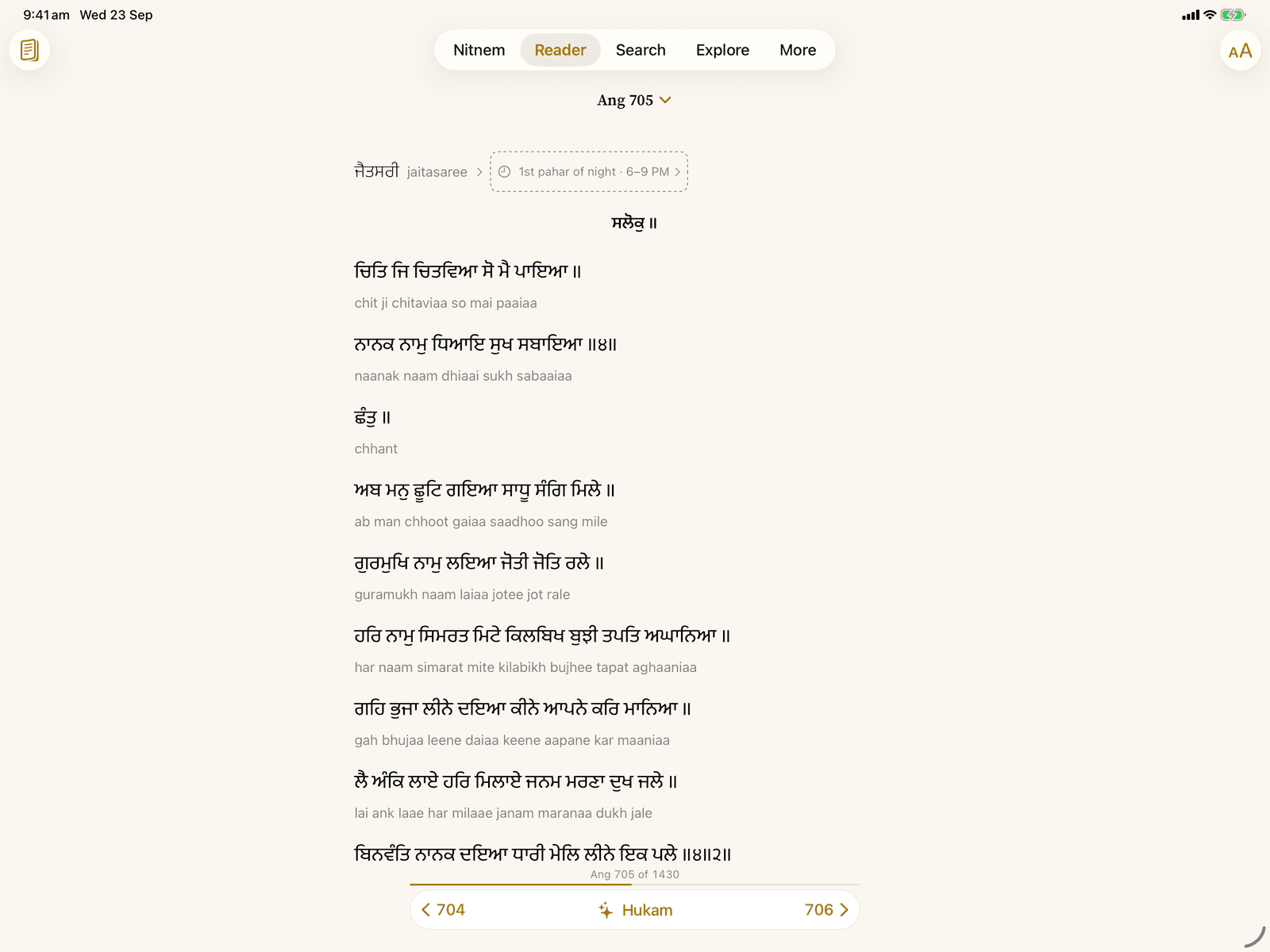
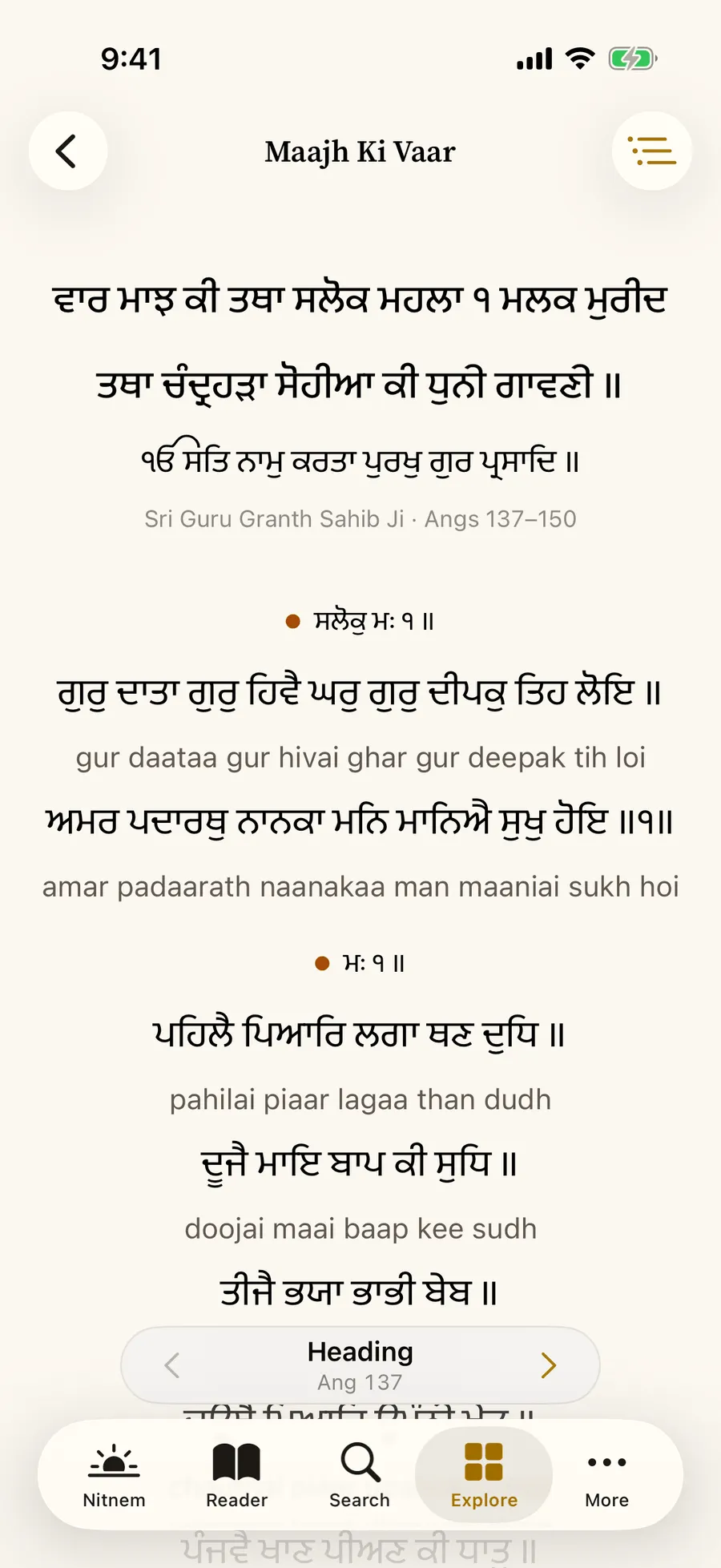
All 1,430 Angs in Sant Lipi, on warm paper or in a night scheme that is never pure black. Turn pages, jump to any Ang, pick up where you left off. Every composition opens with its printed heading, and transliteration can sit quietly under each line. Sehaj focus leaves only the Gurmukhi, with room to breathe.
Traditional saroop
Two ways to draw the same characters
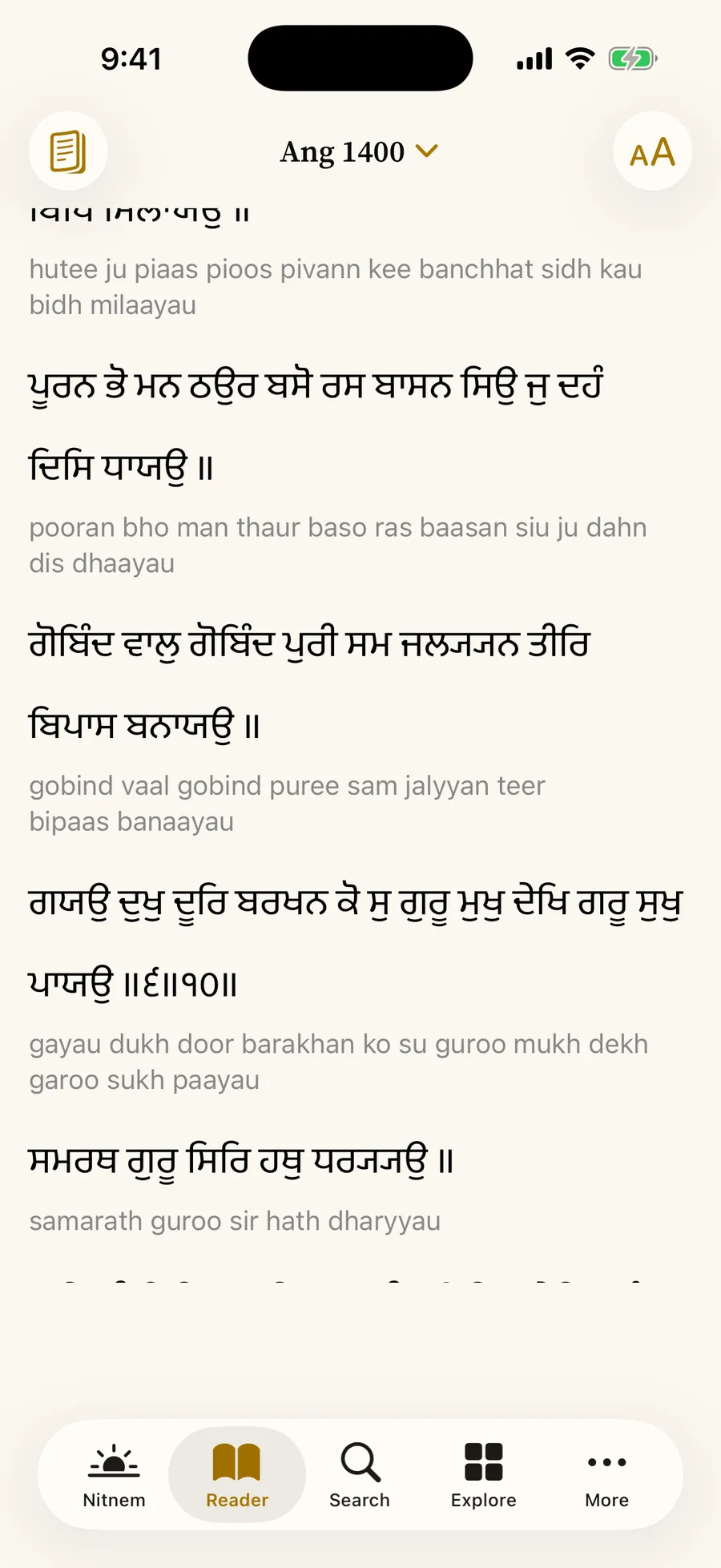
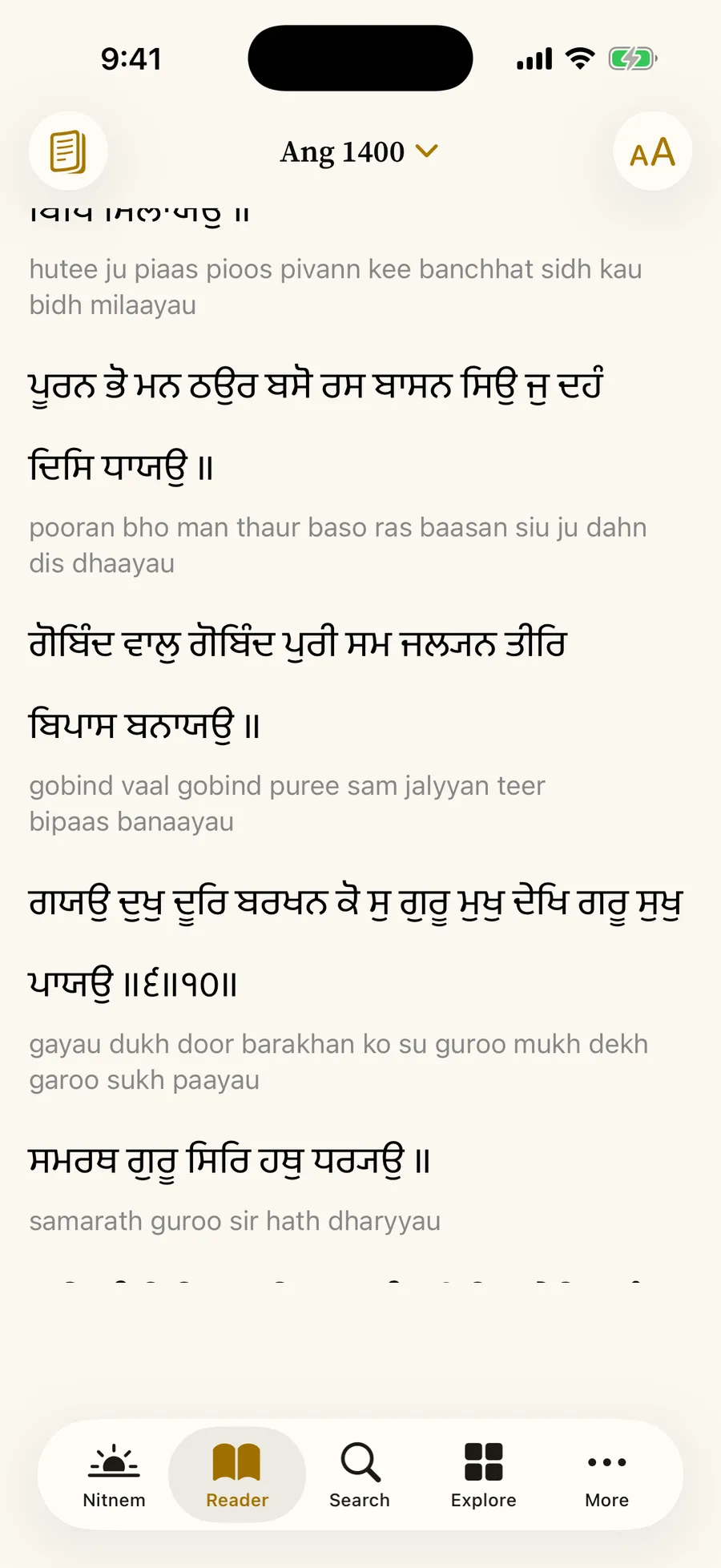
Traditional saroop draws the doubled subjoined ya as the single tucked form used in the printed Bir; turn it off to see the exact source characters. Only the drawing changes — stored text, search and Copy are always the verbatim characters.
02 Search
Search the way you remember
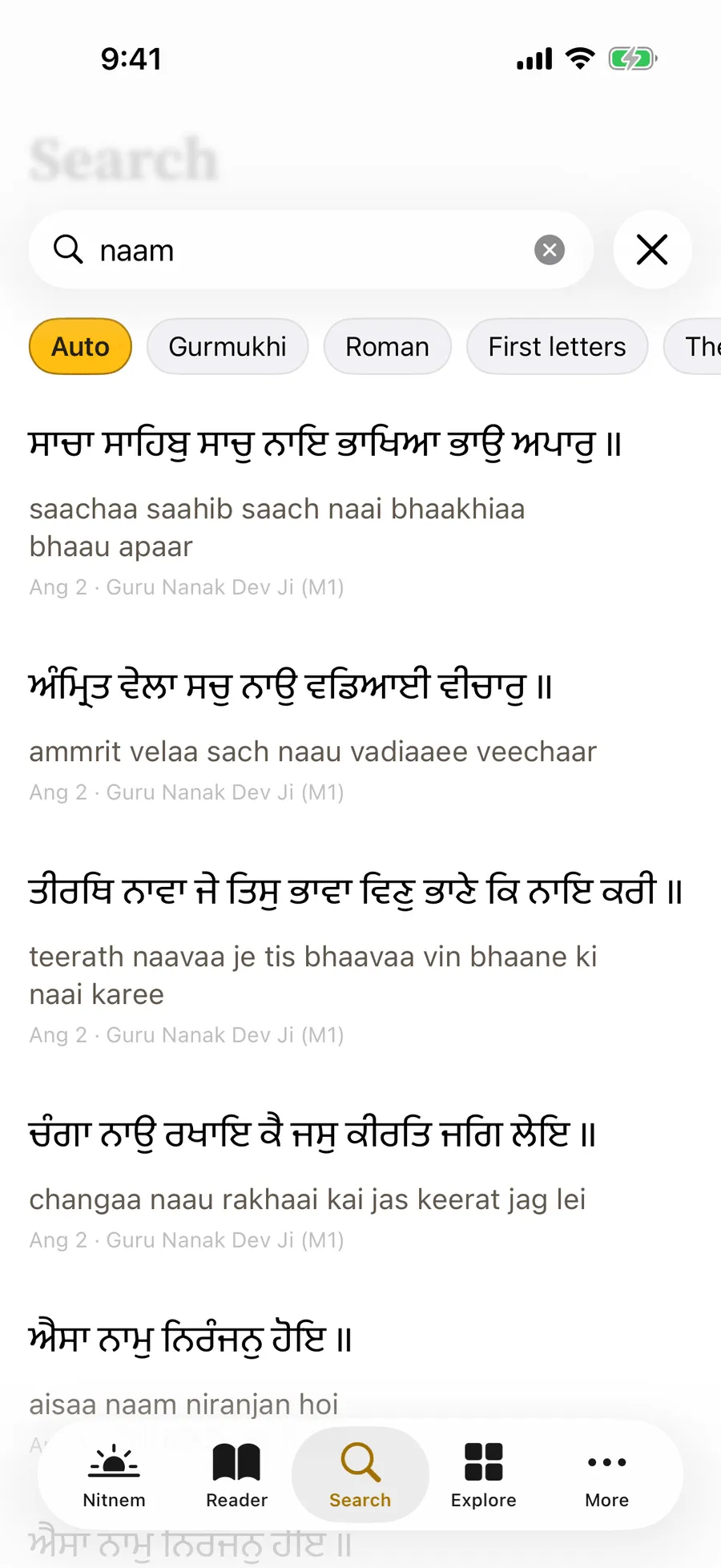
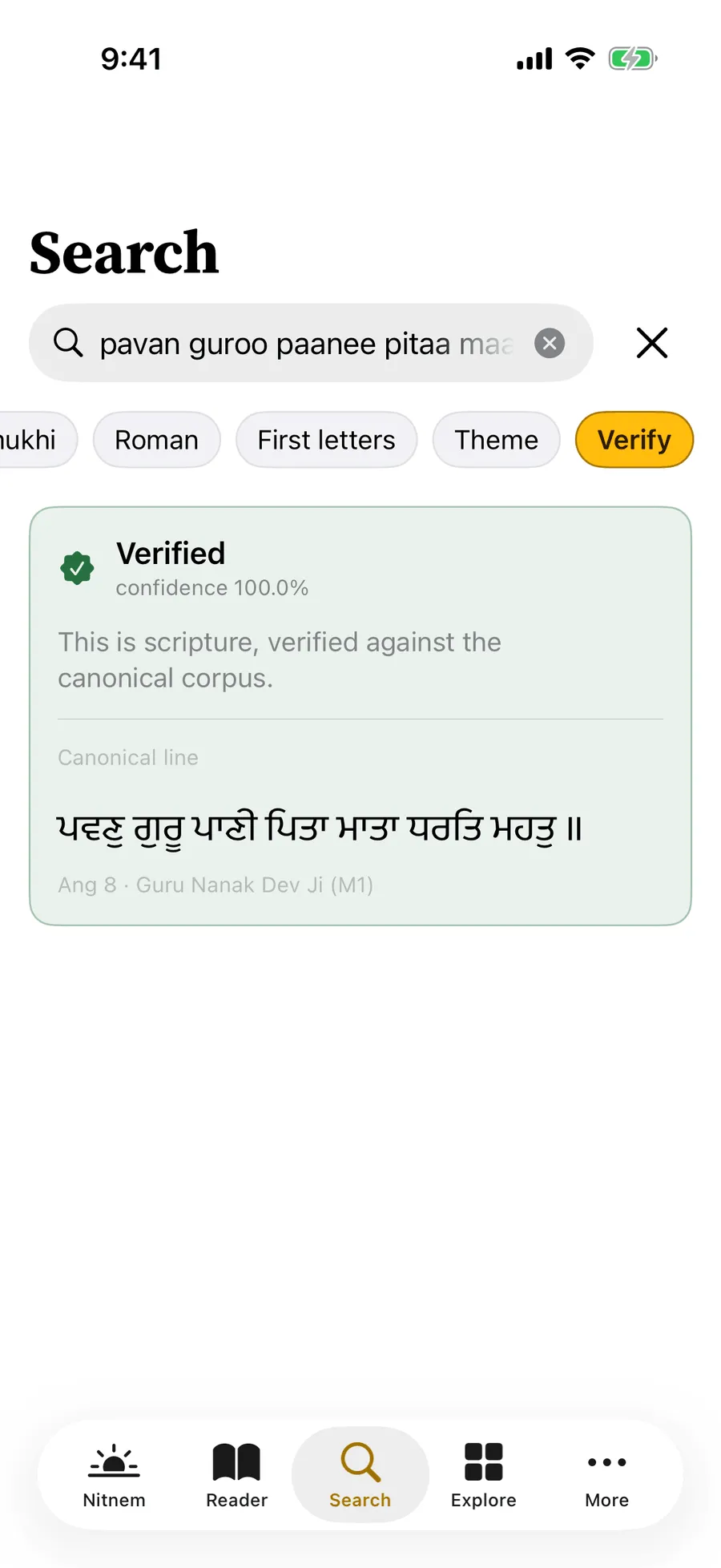
A word in Gurmukhi, a word as it sounds in Roman letters, or just the first letters of each word — the way a line comes back to you. Auto mode works out which you meant.
Verify checks a line you were sent against the text and tells you plainly whether it is there, and where.
- Auto
- Gurmukhi
- Roman
- First letters
- Theme
- Verify
03 Hukam
The Hukam of the day, or a fresh one
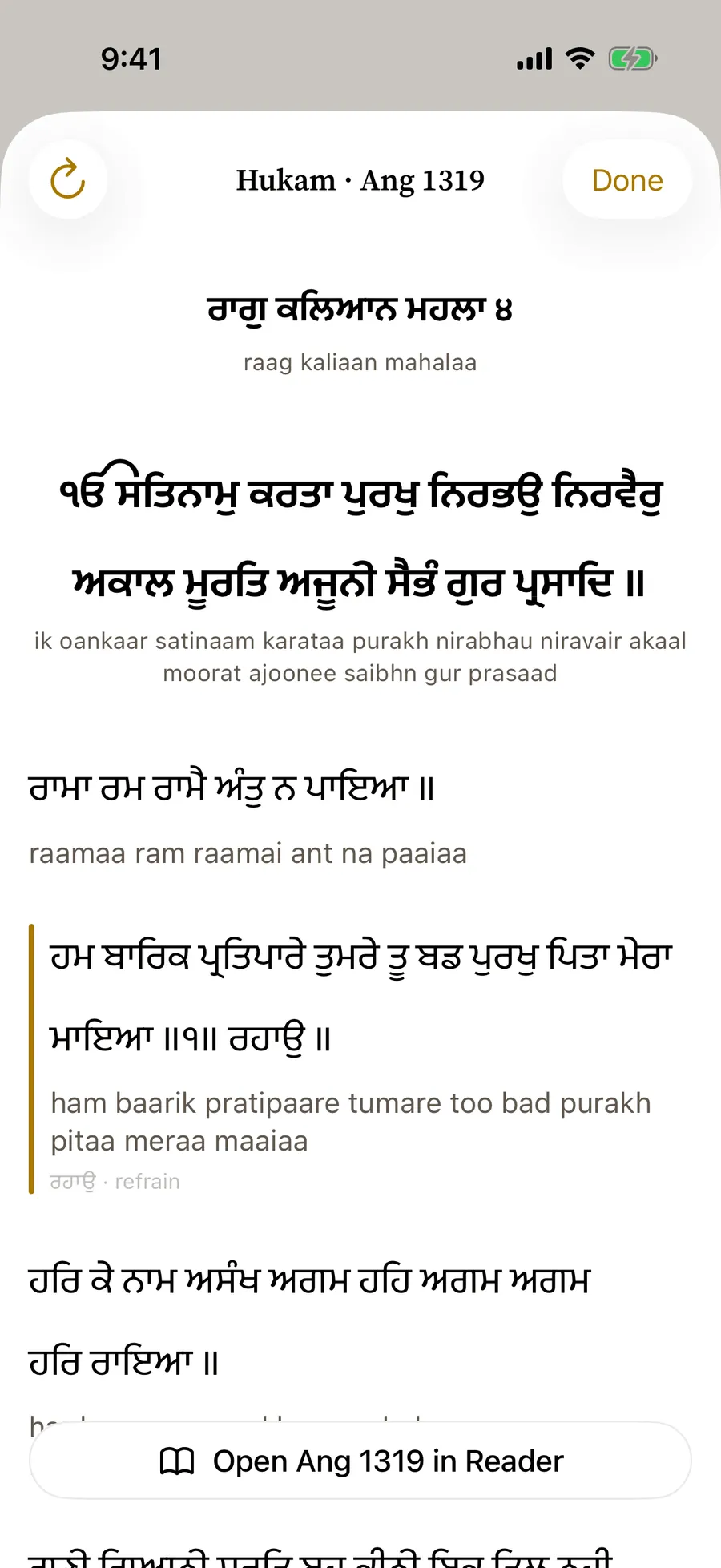
The Hukam of the day is one complete Hukam for the whole day, chosen by the date — the same in the app and when you ask Siri, and the Hukam of the day widget shows its opening verse with its Ang. When you want another, draw a fresh one.
Either way it is a complete unit — a whole shabad, or a Vaar's pauri with the saloks set before it — never a fragment, read verbatim and cited by its Ang. One tap takes you to that Ang in the Reader.
The Hukam of the day is chosen on your device by the date. It is not the Hukamnama issued from Sri Harmandir Sahib.
04 Nitnem
Nitnem, with your place kept
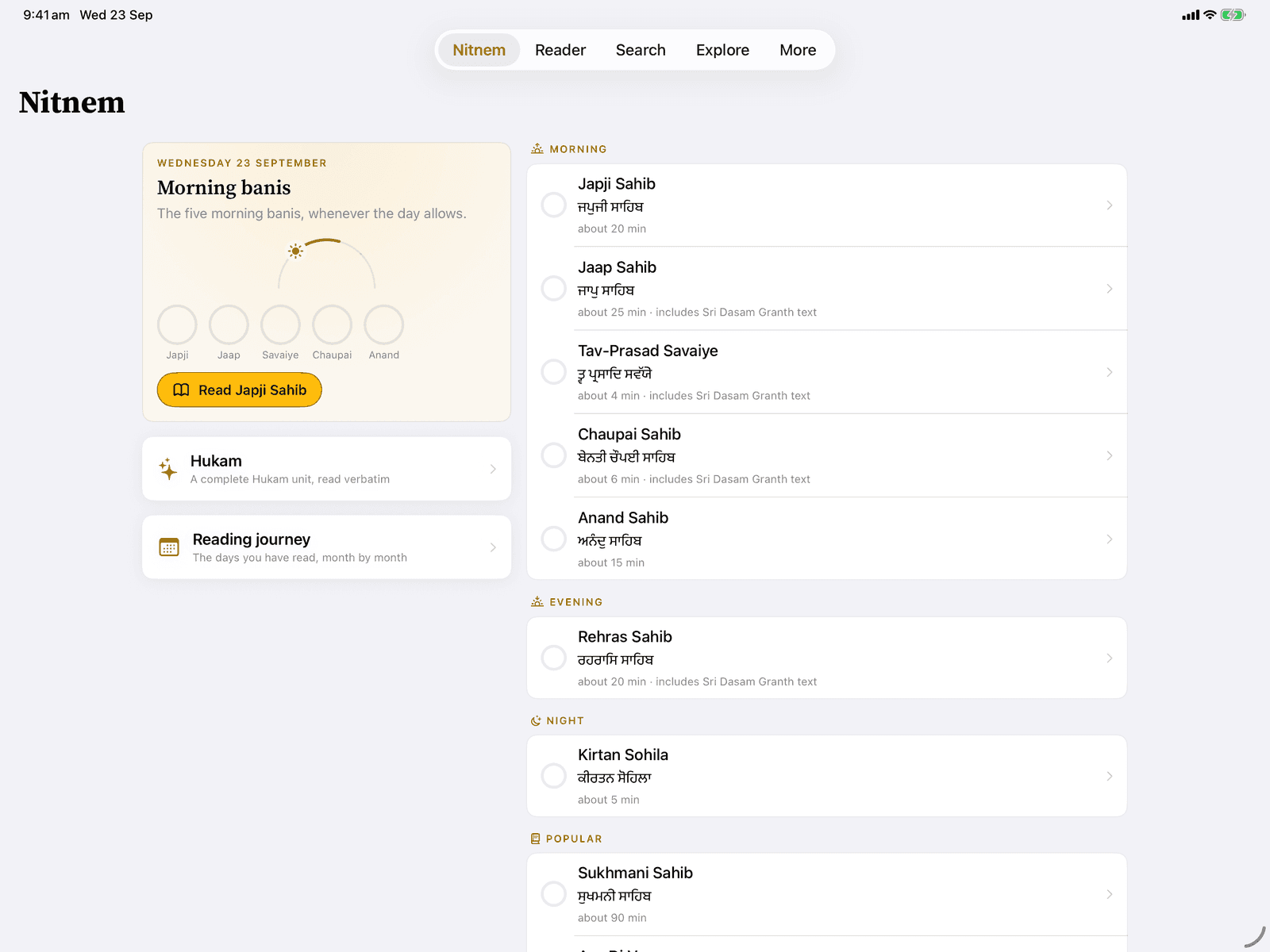
The daily banis by time of day — Japji, Jaap, Savaiye, Chaupai and Anand in the morning, Rehras at dusk, Sohila at night — with Sukhmani, Asa di Vaar and Ardaas alongside. The app remembers where you are in each.
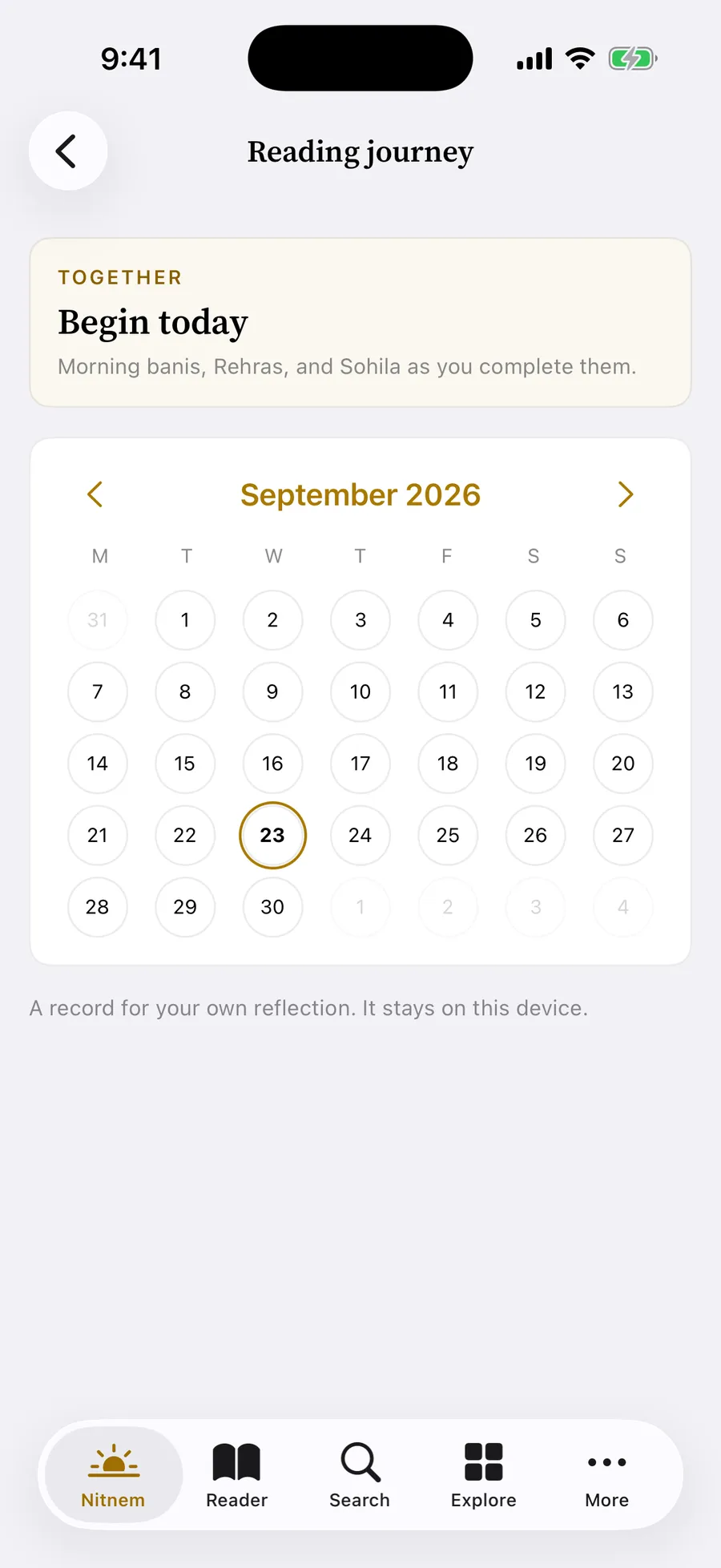
Short-line banis such as Jaap, Chaupai and Savaiye are set two half-lines to a row, as in a gutka. Rehras follows the SGPC Nitnem Gutka or the longer Damdami Taksal reading — your choice. Make your own sets, and a reading journey keeps a quiet record of the days you read. Reminders are optional, local, and yours to set.
Banis from Sri Guru Granth Sahib Ji come from the same verified corpus, cited by Ang. Dasam Granth and Ardaas text are a separate, labelled, scholar-reviewed layer.
05 The watch
Eight watches. Thirty-one raags. One face.
The day is divided into eight pahars, and different raags belong to different watches. The Raag Clock shows which belong to this one — by fixed hours, or by your local sunrise and sunset, worked out on the device. The deep night is left in silence.
06 Vaars
The Vaars, woven as printed
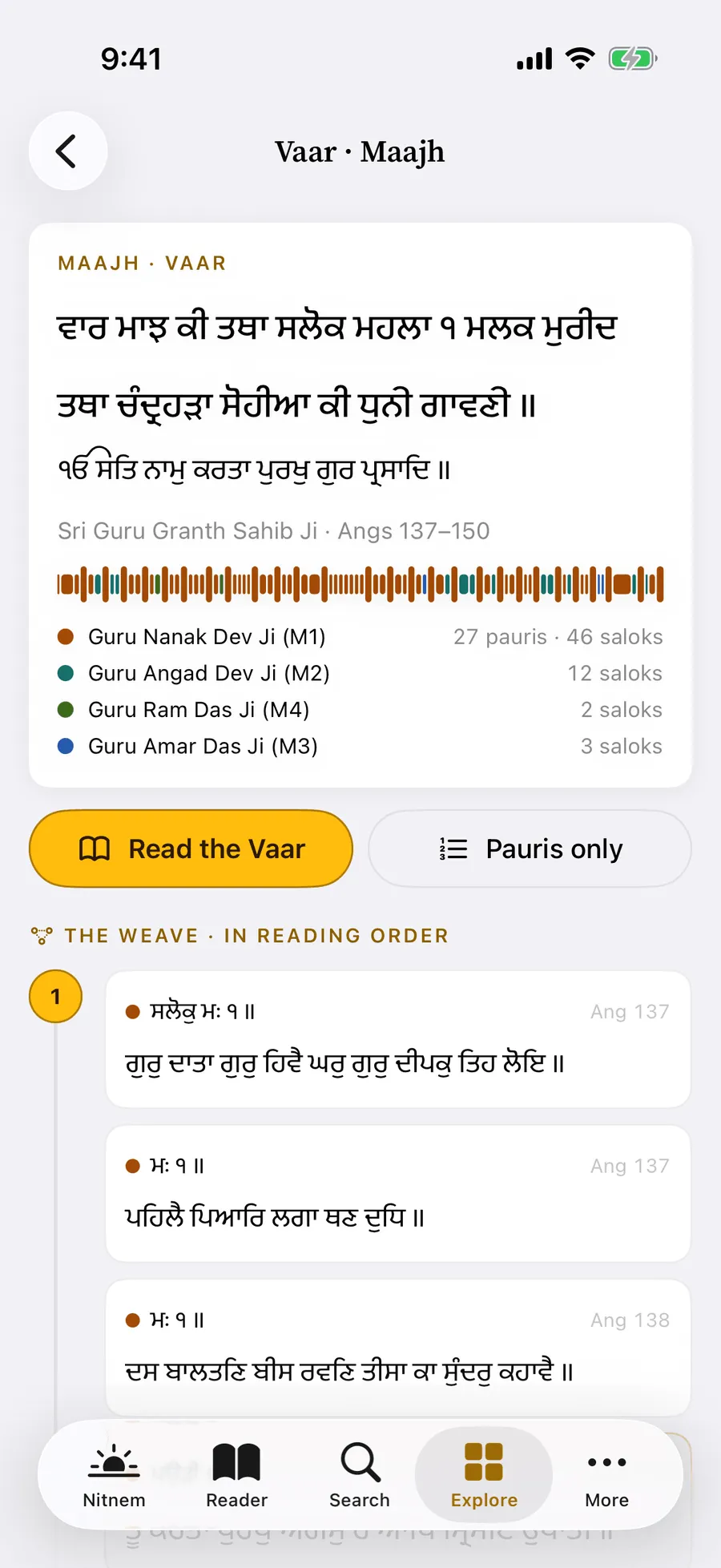
All 22 Vaars, each with its voices: who wrote the pauris, and whose saloks are set beside them. The weave lays a Vaar out in reading order, pauri by pauri and salok by salok, as the Granth prints it.
The reader carries you through a whole Vaar and keeps your place. Show the pauris only, and the saloks are hidden, never removed.
Ask Siri to “Read a Vaar”, or reach the Vaars from a raag's page in the Index.
- 22Vaars
- 471pauris
- 972saloks set beside them
07 Index
An Index that follows the saroop
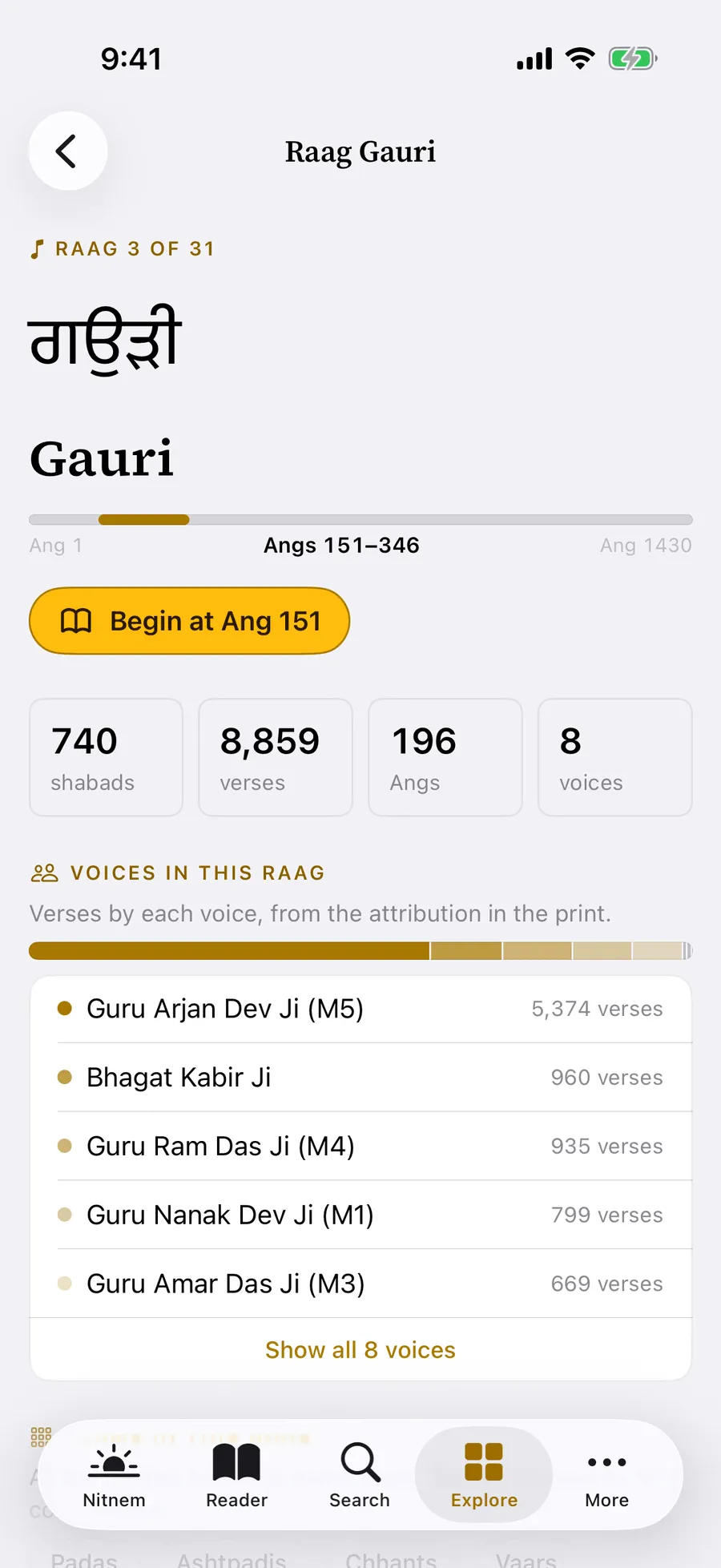
The Index lays the Granth out in the order of the saroop: a ribbon from Ang 1 to Ang 1,430, the major compositions with your place kept, and all 31 raags. Every raag has its own page — where it sits in the Granth, the voices in it, the forms its headings name, and the time tradition gives it.
“In this hour” gathers the raags of the current watch. Find in Index goes straight to a raag, a bani, a composition or a voice, and Forms lists the poetic forms the printed headings name.
A raag's traditional time is tradition, not scripture — the app says so, and names the source of every claim.
- 1,430Angs, from the first to the last
- 31raags, each with its own page
08 Themes
54 themes, a page for each
Themes traces ideas across the whole Granth by the words that carry them, with a theme of the day at the top. Every theme has its own page: the Rahao lines that carry it, where it lives by raag and by voice, the forms of its words, and the themes it often appears with — and a verse list you can narrow to a single word form.
Your themes shows which themes your saved verses carry. It is worked out on your device, never sent anywhere, and you can turn it off.
A theme's number counts the verses that carry its words — never a measure of importance. Themes are also in Spotlight, and Siri can “Open a theme”.
- 54themes, each with its own page
- 35,060lines of the Granth carry a theme's words
09 Voices
36 voices, one Granth
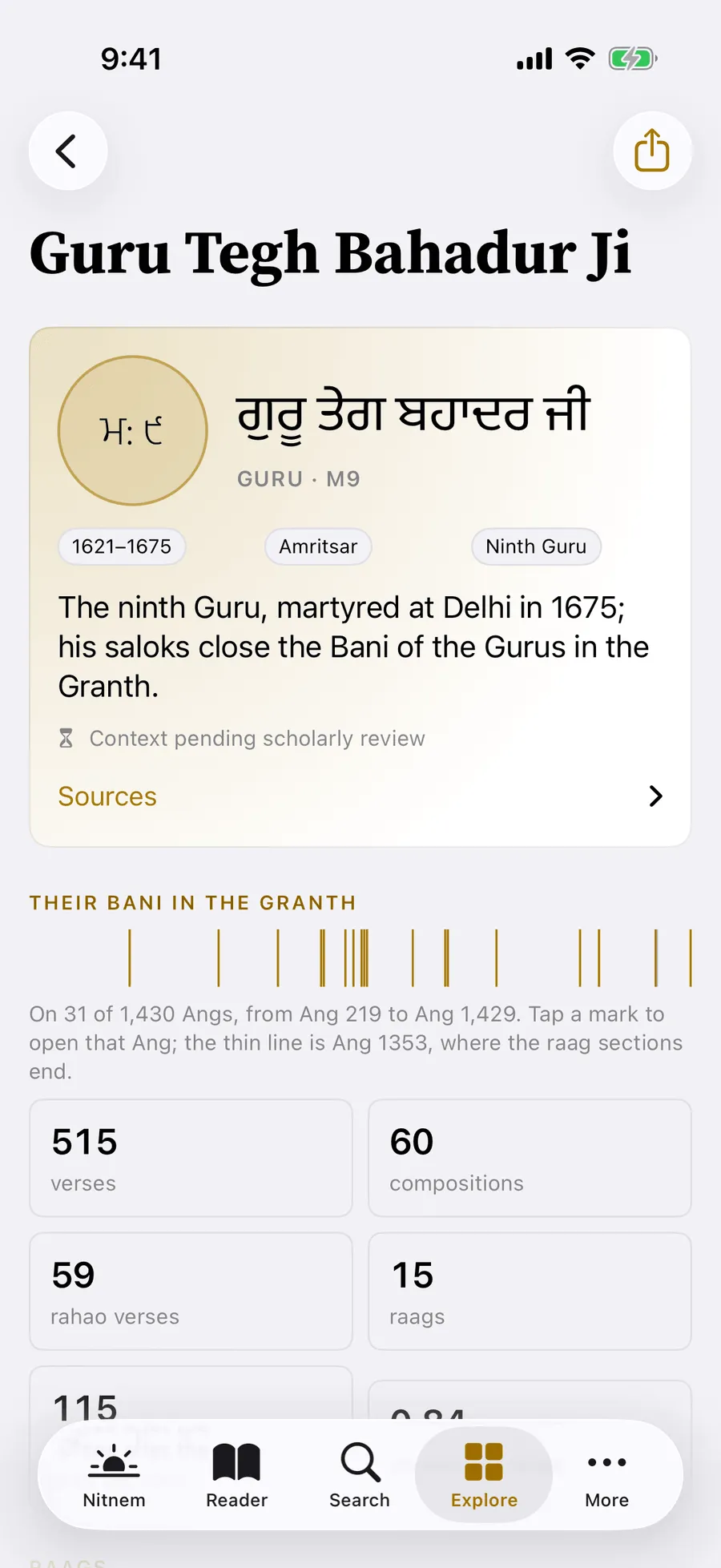
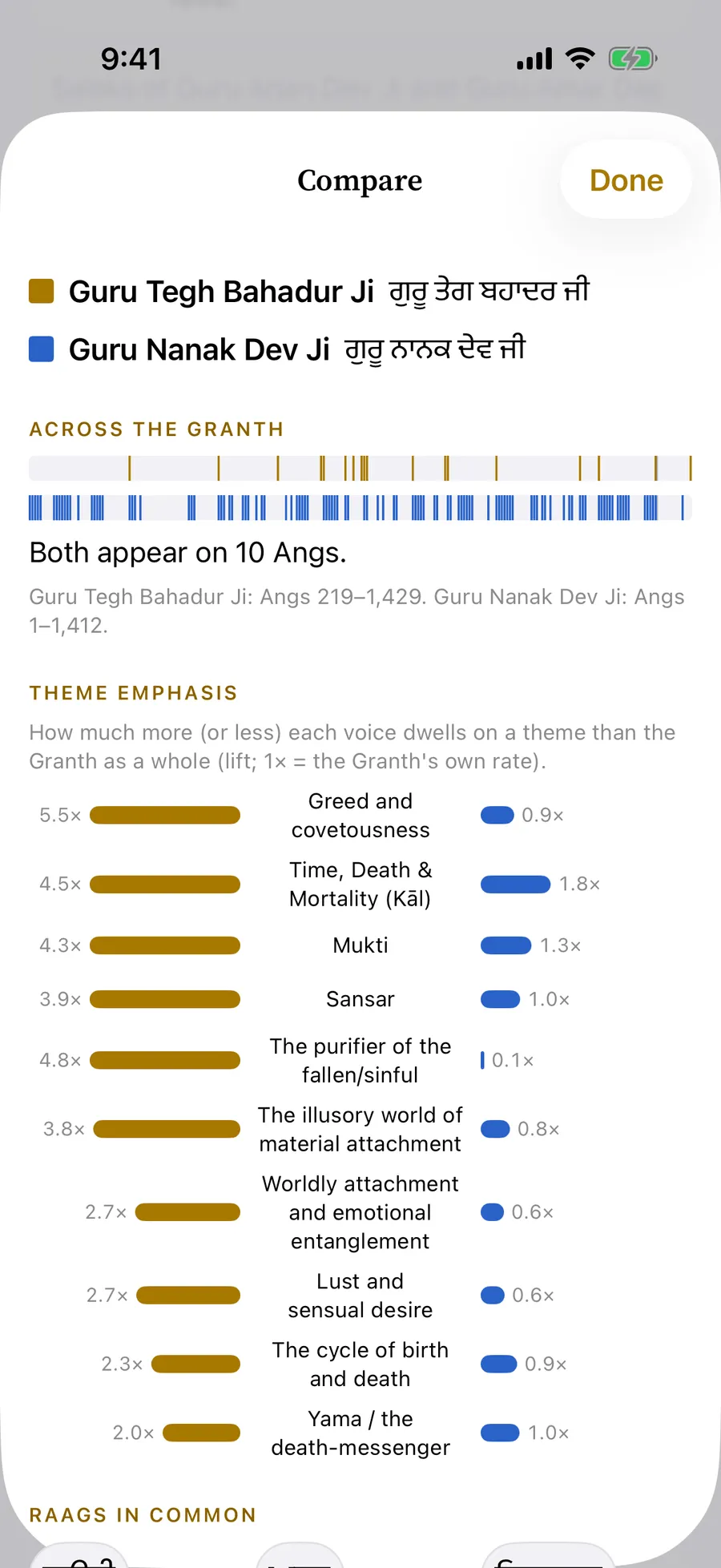
Lineage follows every voice whose Bani is in the Granth — the Gurus, the Bhagats, the court Bhatts and the Gursikh companions — from the 12th to 17th century, as a roll or as a river through time, with a voice of the day. Every voice has a page: their Bani in the Granth and its raags, their notable Banis, how they sign their verses, who they name and who names them, their distinctive words, and the voices they echo. Compare sets two side by side.
In Insights, the Granth becomes a field of dots, one for about 50 lines, coloured by tradition, and a ribbon shows where each voice sings.
Who wrote each line follows the evidence printed in the Granth: a composition's heading, or the pen-name in its closing verse. Dates are approximate and cited; fuller notes on each life wait for scholarly review and are marked so.
- 36voices with Bani in the Granth
- 4traditions: Gurus, Bhagats, Bhatts and Gursikh companions
- 12th–17thcenturies their dated lives span
10 At a glance
On your Home Screen, Lock Screen and in Siri
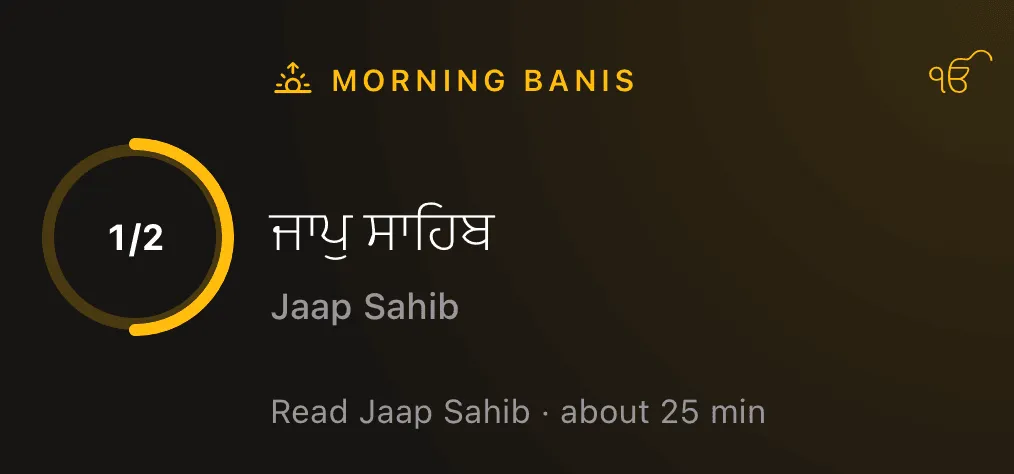
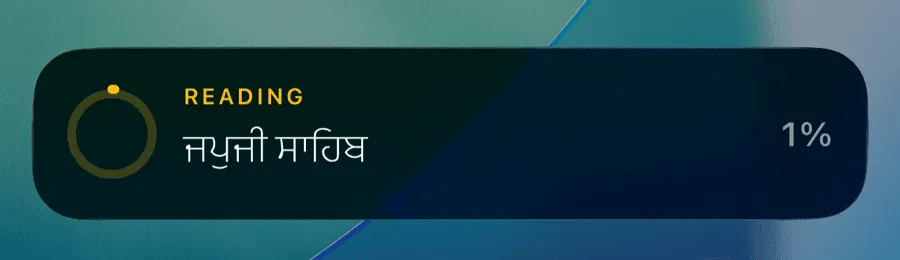
Three widgets: the raag of the moment, the Hukam of the day with its Ang, and today's Nitnem — in sizes from small to large, with Lock Screen accessories for the raag and the Nitnem. An optional Live Activity shows how far you have read a bani. It never shows a verse.
Siri: “Today’s Hukam”, “Draw a Hukam”, “What raag is it now”, “Read a bani”, “Read a Vaar”, “Search Gurbani”, “Show the constellation”, “Open a theme”, “Open a voice”. Shortcuts: “Open Ang”. Spotlight finds your saved verses and all 54 themes.
11 Explore
Seven ways into the Granth
Explore gathers them in one place: the Index, Themes, Lineage, Insights, Constellation, the Vaars and the Raag Clock. On iPad, all of it at once.
Constellation shows which themes travel together in the same verses — matched by a shared word, not by meaning — with a focus on one theme, lenses by voice, raag and hour, and the Sky of all 54 themes. Insights counts and compares, described plainly.

Quiet enough to hear.
A place to read, and nothing else.
Display
Five accents. Gold leads.
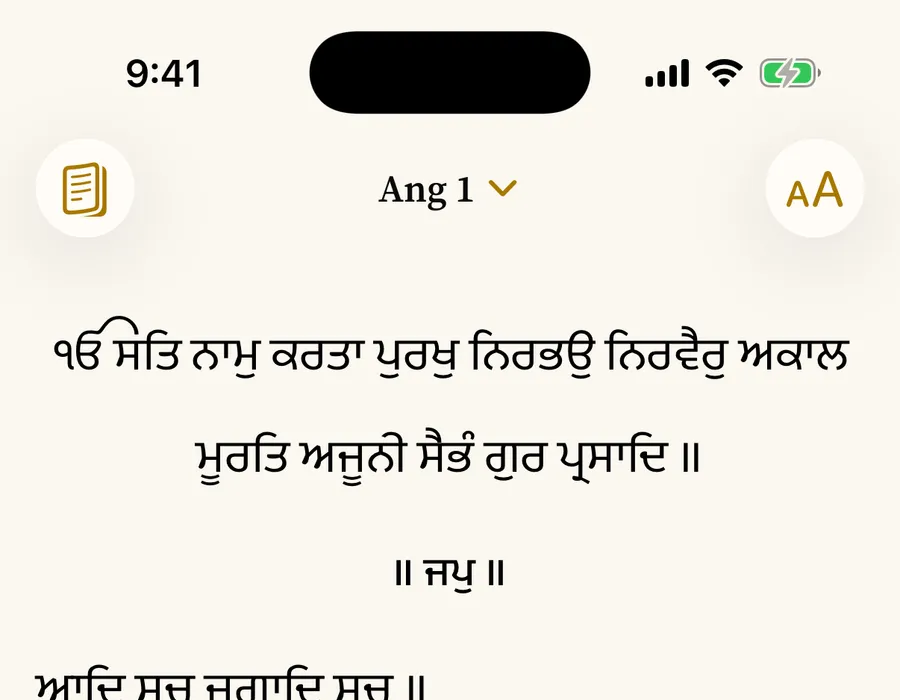
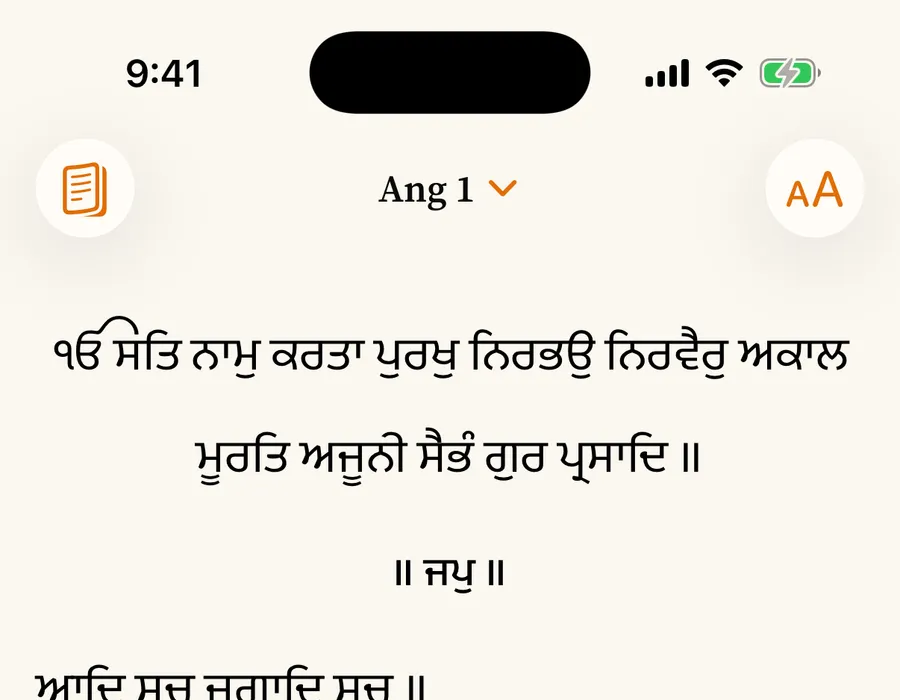
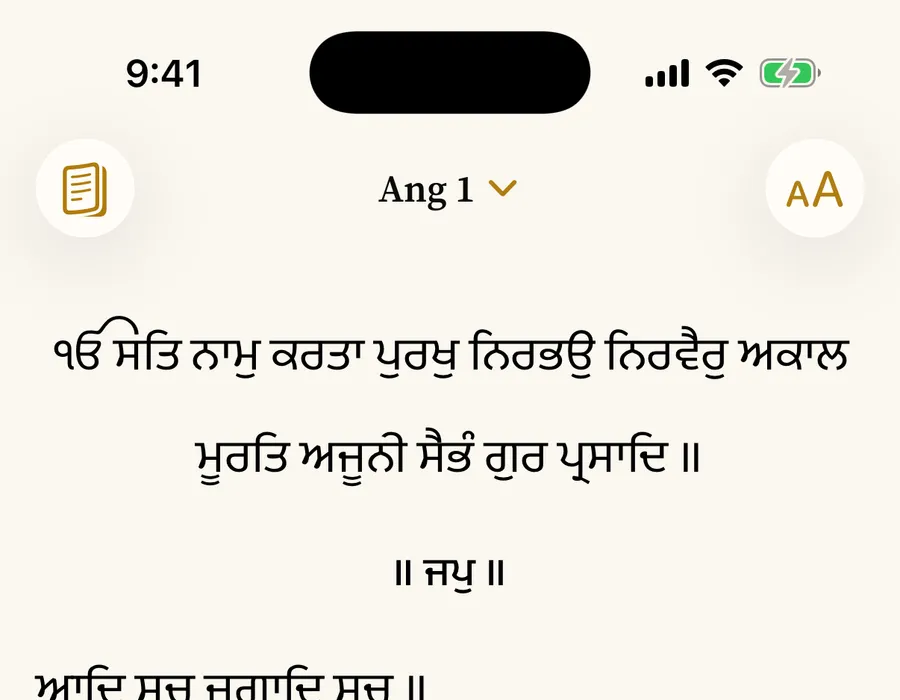
Soul gold by default, with saffron, gold, indigo and teal to choose from. Display also sets the Gurmukhi size, transliteration, appearance and traditional saroop. The Gurmukhi itself always stays in ink.
-
Soul -
Saffron -
Gold -
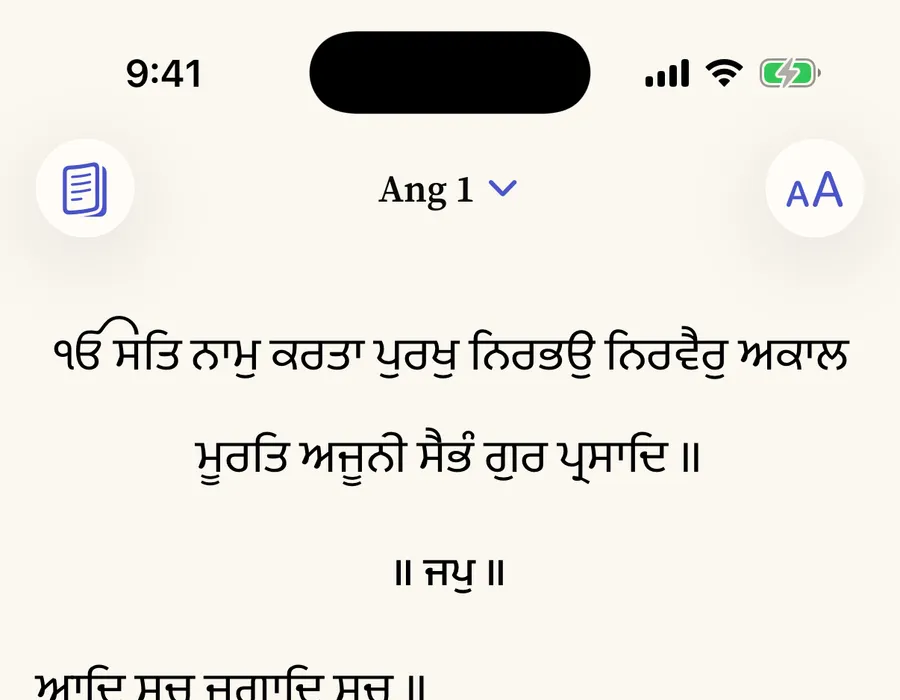
Indigo -
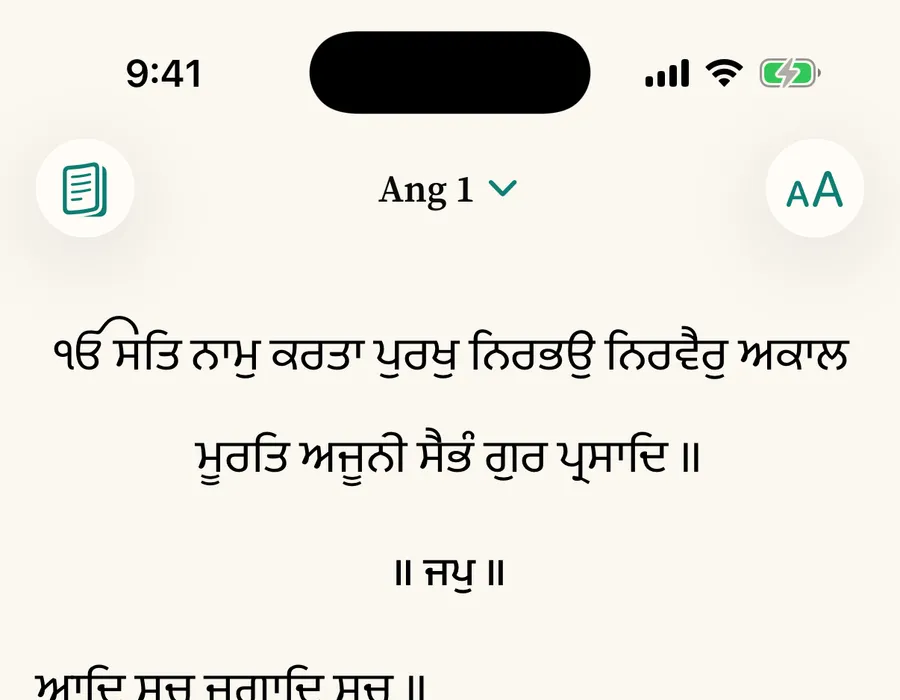
Teal
Nothing corrected. Nothing invented.
The text is reproduced character for character from the source edition and checked against a SHA-256 checksum when the app is installed or updated. Nothing is normalised, modernised or improved. Never AI-generated.
Free for everyone
Kept free by the sangat.
No ads, no paid tier, nothing behind a paywall. If Gurbani Soul serves your study, you can help cover hosting, scholarly review and licensing. It is optional and unlocks nothing.
From A$5 · once or monthly